
Open Glinded in ChatGPT
One click to connect. Sign in to a free account. You stay inside the chat you already use - no new app to learn.
FOR THE STORIES THAT MATTER MOST
Upload the photos you have. Type one sentence about who they are to you. Glinded composes the video - a milestone birthday, an anniversary, a memorial - gentle pacing, licensed music, the person at the center - right inside ChatGPT.
FREE UP TO 5 PHOTOS · STARTING AT $4.99 ONE-TIME · COMING SOON IN CLAUDE
HERE FOR A MEMORIAL? START HERE
To protect family privacy, the people in this video are not real, and this demo shows what Glinded can make.
HOW IT WORKS
No timeline. No template gallery. No music to trim. You describe the person and the tone - Glinded composes the rest.
One click to connect. Sign in to a free account. You stay inside the chat you already use - no new app to learn.
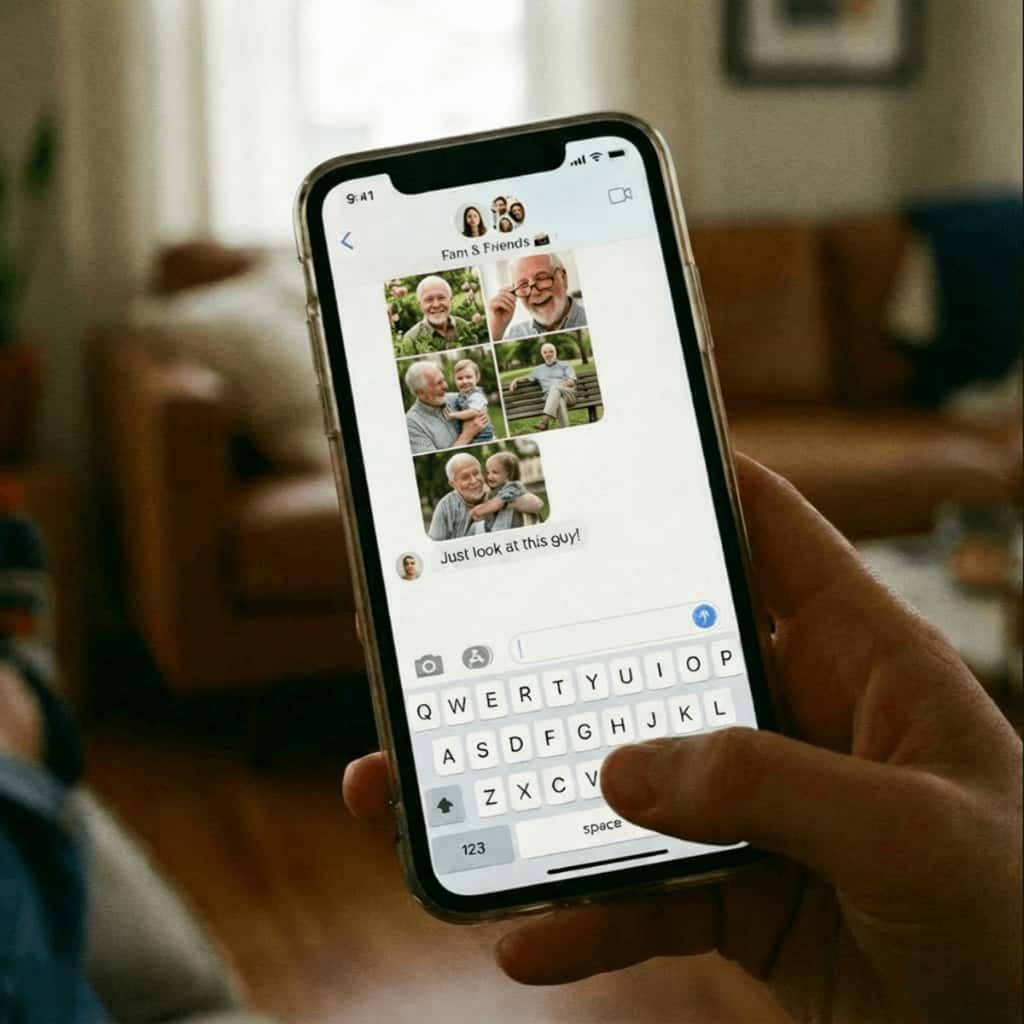
Mixed sizes, random order, group-chat screenshots, old scans. Share an upload link so the whole family can contribute.
Glinded composes a first cut with gentle pacing, soft transitions, and a licensed track. Review in chat, ask for changes the way you would with a person.
USE CASES
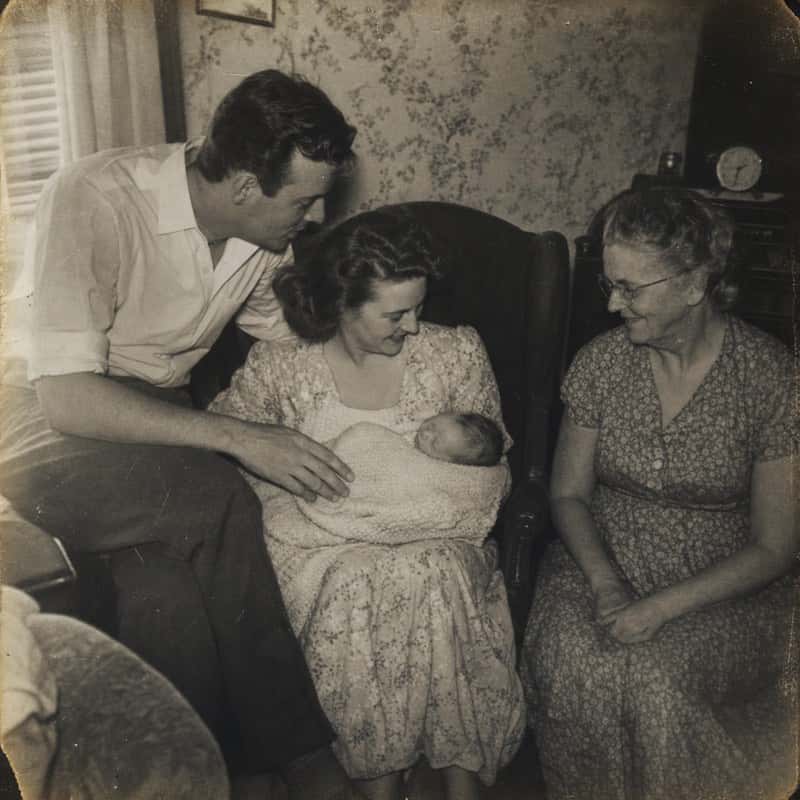
Baby photos to now for a 50th, 60th, or any year that calls for the full retrospective. Same care, brighter tone - the guest of honor gets to watch their own story, well told.
EXAMPLES
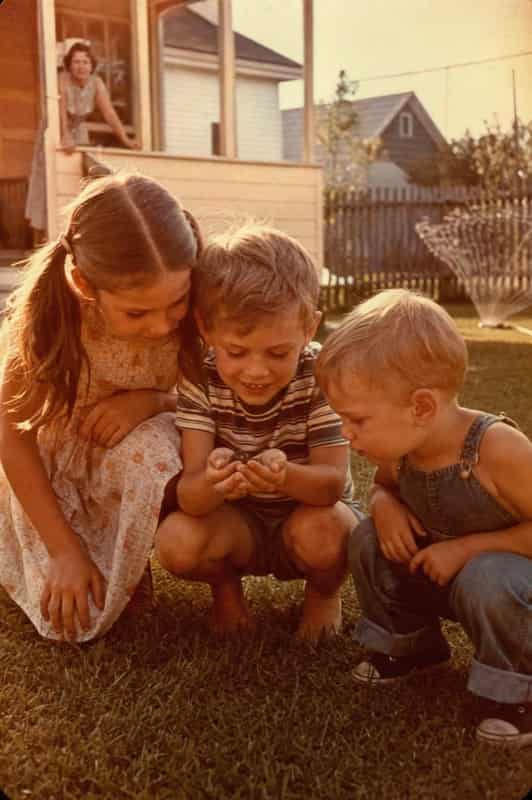
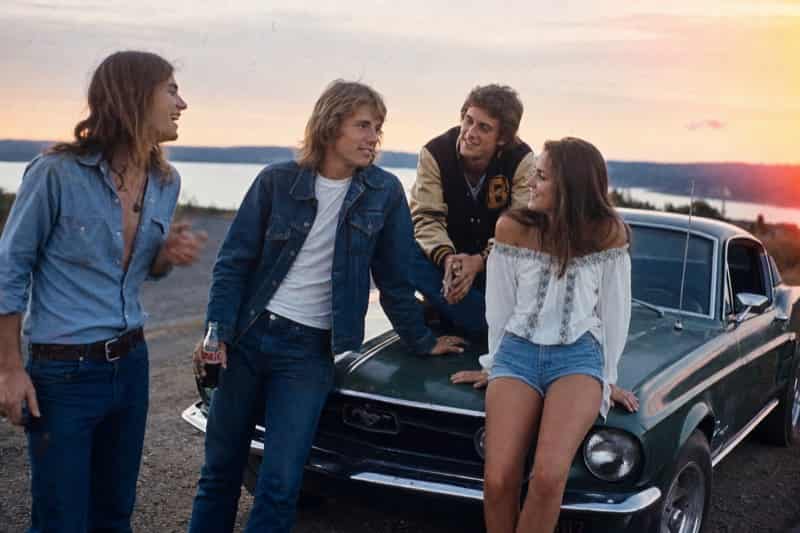
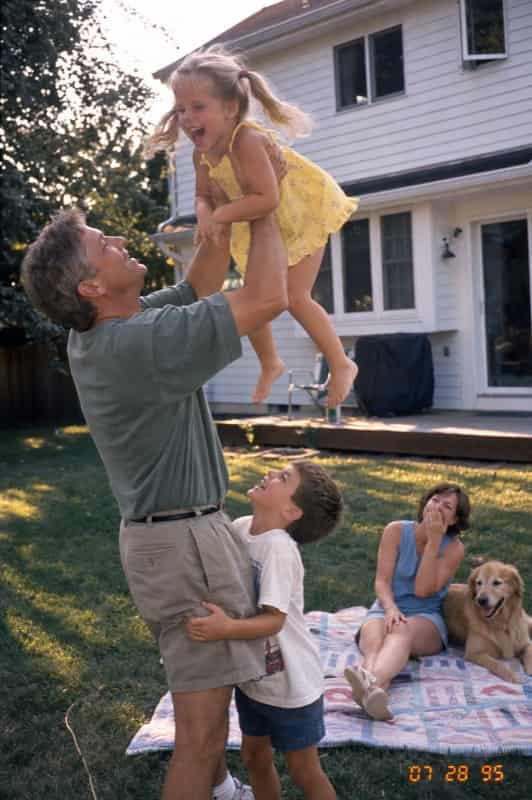
To protect family privacy, the people in these videos are not real, and these demos show what Glinded can make.
REAL-WORLD PHOTO CHAOS
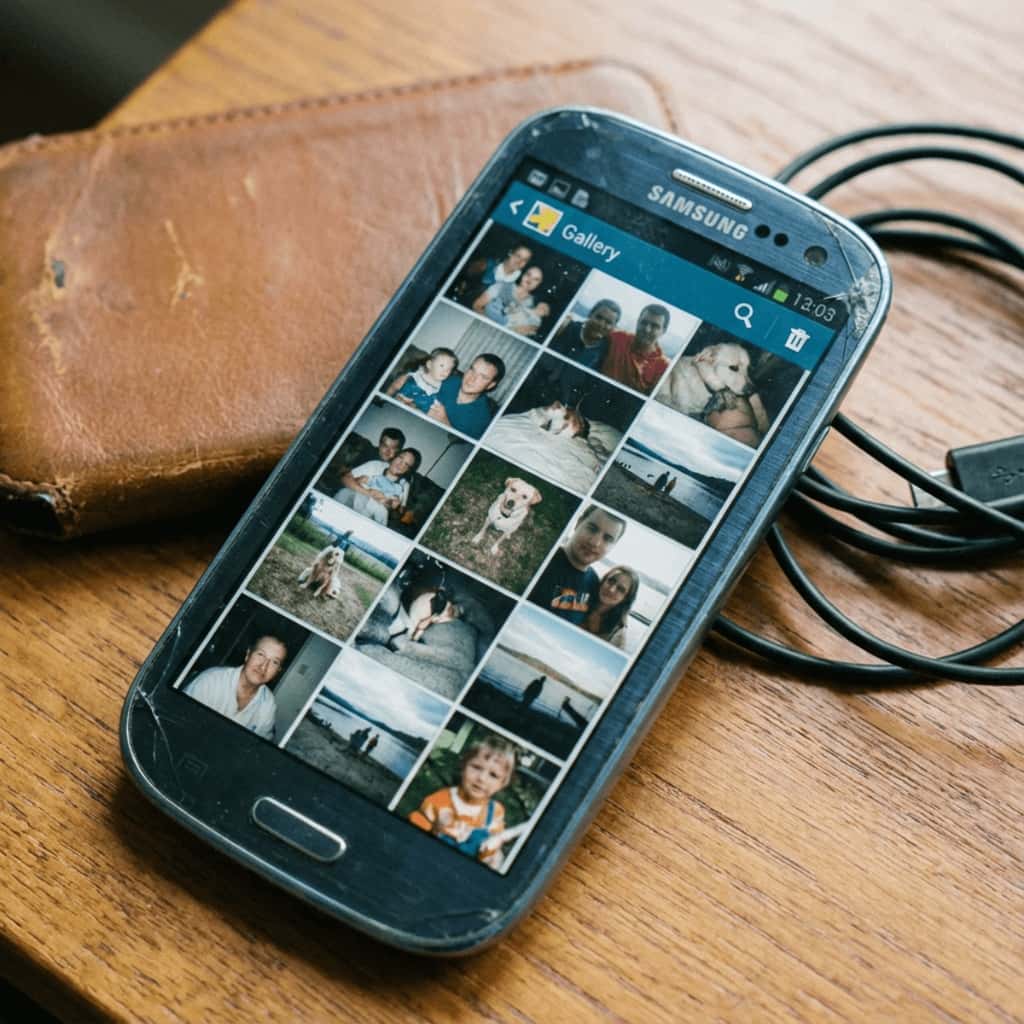
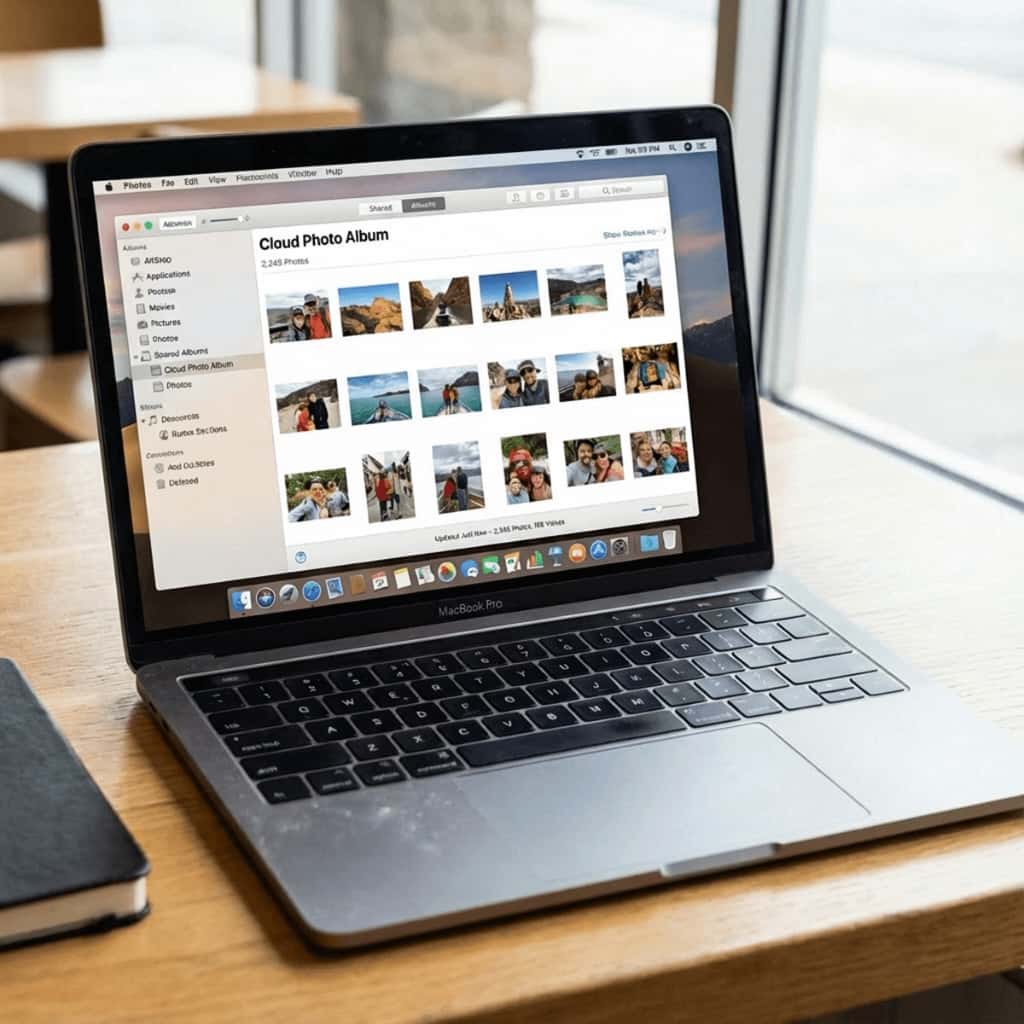
Families rarely have a perfect folder. They have screenshots, scans, phone backups, duplicate exports, and a few images somebody texted at midnight. That is exactly the point.
Start with 20-60 photos if you can. Glinded can work with fewer, and it can help you make a longer keepsake when the family contributes more.

WHAT'S INCLUDED
Not AI-generated people or scenes. The result is your family's memories - only.
A track matched to the tone you describe, cleared for playback at a celebration or a service.
Every video ships with a MUSIC-LICENSE.txt the funeral home can verify before playback.
A standard MP4 you can play at a gathering or a service, send to family, or save for years to come.
No. Upload them as you have them. If you want a specific order, you can tell us - but it's optional.
No. Glinded also composes celebration videos - milestone birthdays, anniversaries, graduations, farewells. Say the occasion and the tone you want, and the pacing and music are shaped around joy instead of grief.
Start with one sentence: "Create a memorial video with these photos and soft music." You can add a name, dates, a tone, or one line of text you want included on screen.
Yes. Include it in your sentence: "Memorial video for [Name], [Dates]."
No. Glinded uses only the photos, videos, and words you provide. It will not generate new people or fictional life details.
Yes. The finished file is a standard MP4, and paid videos include a MUSIC-LICENSE.txt file the venue can verify before playback.
You can add or swap a photo and regenerate without starting over.
Your photos and videos are used only for generating your tribute and are never shared with third parties or used for training without your explicit consent.
READY WHEN YOU ARE
Open Glinded in ChatGPT, upload the photos you have, and ask for the tribute you need.
FREE UP TO 5 PHOTOS · STARTING AT $4.99 ONE-TIME