

Ask GlindedCreate a birthday tribute video from family photos, warm and joyful.
MADE IN CHATGPT
Celebration of life video.
A celebration of life video is a short life-story tribute: about 40 to 60 photos, one uplifting song, and 3 to 5 minutes, played at the gathering and shared with everyone who could not be there.
Glinded builds one from your real photos and videos inside ChatGPT. Upload memories in any order, share a private upload link with family and friends, describe the person and the feeling you want, and review a finished video before the day.
- Upload link for family and friends
- Uplifting licensed music by mood
- Downloadable video to play and share
QUICK ANSWER
What should a celebration of life video include?
A celebration of life video is usually a short life-story tribute: joyful and meaningful photos, optional captions, and one uplifting song. Many gatherings use about 40 to 60 photos over 3 to 5 minutes, then let a longer version loop during the reception.
THE NUMBERS
How many photos, and how long?
Plan about five seconds per photo and let the math set the length. A tribute everyone watches together lands best at 3 to 5 minutes, which is 40 to 60 photos. The best celebration of life video is not the longest one. It is the one that fits the room and the schedule.
What the math looks like≈ 5 sec / photo
25 to 35Photos uploaded
2 to 3 minVideo length
A short tribute between speeches, when the program is already full.
40 to 60Photos uploaded
3 to 5 minVideo length
The shared moment when everyone in the room watches together. The length most families land on.
70 to 100Photos uploaded
6 to 8 minVideo length
A looping video during the reception, watched in passing.
CHOOSING PHOTOS
How do you choose from thousands?
Most families start the same way: thousands of photos, a date on the calendar, and a quiet worry about choosing wrong. You will not choose wrong. Nobody at the gathering counts slides, and thirty good photos are enough. Three passes make the pile manageable.
Sort by era, not by quality
Make rough piles first: childhood, young and in love, the working years, the grandkid era. Do not judge single photos yet. You are building the shape of a life, and a life has chapters.
Pick one photo per relationship
One with the sister, one with the fishing buddy, one with the neighbor from the old street. The faces in the room should be able to find themselves on the screen.
Keep the ones that sound like them
The mid-laugh shot, the terrible holiday sweater, the way they held a coffee cup. The photo nobody has seen beats the photo everyone has framed.
Or skip the sorting entirely: upload what you have and let Glinded compose the first cut. Reacting to a draft, "not that one, more of the camping years," is easier than staring at ten thousand thumbnails. And keep the faded ones: if a meaningful photo is low quality, Glinded notices and asks whether you want it restored. A blurry original should not keep a memory out of the video.
CAPTIONS
What should the captions say?
Less than you think. A caption earns its place when it says something the photo cannot. Four spots do almost all the work.
The opening slide
Name, years, and one line that sets the tone: "Maria, 1948 to 2026. She never met a stranger." One line tells the room what kind of hour this will be.
Chapter markers
Short signposts between eras keep a long life easy to follow: "The Chicago years." "Everything changed in 1985." Three or four across the whole video is plenty.
Lines under photos
Use these rarely, and only when the words add something the photo cannot show: "Half of every fish story was true." If every photo has a caption, none of them lands.
The closing slide
Their own saying, if they had one, or a simple thank-you from the family. It is the last thing on screen, and it is the line people quote at the reception.
MUSIC
What music fits a celebration of life?
Warm and hopeful beats somber. Most families choose one uplifting song and let it carry the whole video: acoustic warmth, soft piano, and hopeful cinematic all work. The licensed music guide covers what venues can legally play.
One song is enough
A 3 to 5 minute video fits one song naturally. If the video runs longer, let the song loop rather than stitching in a second track. The mid-video handoff is where slideshows stumble.
Use their favorites as references
The song they hummed in the kitchen may not be cleared for a public gathering. Describe it instead: Glinded suggests licensed music with the same feel, with details the venue can review.
Match the room, not the grief
A celebration of life leans warm, grateful, sometimes gently funny. Save the heaviest song for the service. This video is the smiling part of the day.
BEFORE YOU START
What you need before you start.
Start with what you have. Glinded can help with the order, pacing, captions, music, and format after the upload.
Photos and short clips
Use scans, phone photos, albums, and optional video clips. Funny and everyday shots belong here as much as milestones.
Name and dates
Add the name and dates if you want them on the opening or closing title of the video.
Family contributions
Share a private upload link so relatives and friends can add their photos without sending everything to one person first.
The feeling you want
Tell Glinded whether the video should feel joyful, warm, grateful, hopeful, or gently funny. A celebration can be all of these.
HOW GLINDED WORKS
Make the celebration of life video step by step.
Glinded runs inside ChatGPT, so the same conversation can guide the upload, ask about the person and the gathering, create a first cut, and help revise the final video.
Step 1: Open Glinded in ChatGPT
Open the Glinded app and ask for a celebration of life video in plain language. You do not need to choose a template before you begin.
A simple request is enough. Glinded will guide the upload, ask where the video will play, and help choose the right format.
Create a celebration of life video for my father using Glinded. Make it warm and uplifting, full of his happiest moments, with hopeful acoustic music.
Step 2: Upload photos and videos
Add the photos and short video clips you have, even if they come from different phones, albums, folders, or relatives.
They do not need to be chronological. If family and friends want to help, share the private upload link so they can contribute files too.
Step 3: Describe the person and the gathering
Glinded can ask for the name, dates, where the video will play, whether it should be landscape or portrait, and the feeling you want.
You can also add a favorite place, family role, saying, or story that should shape the tone. This is where the video starts sounding like them.
Step 4: Review the first cut
Glinded composes the first version with sequencing, timing, transitions, text placement, and music matched to the feeling you described.
It works from the real photos and videos you upload. It does not create new faces or invent life details.
Step 5: Ask for edits in chat
If a photo should move earlier, a caption should change, or the music feels too quiet for the room, ask for the adjustment in plain language.
The licensed music guide explains how Glinded documents the selected track for the venue.
Step 6: Download, play, and share
When the final version is ready, download the video from Glinded.com with the matching music details for the venue.
Test it on the TV, projector, or laptop before the gathering. Afterward, share the same video with family and friends who could not be there.
THE WHOLE FLOW
What it looks like inside chat.
Glinded asks for the few decisions that matter, gathers the files, and returns a first cut you can review before the gathering.
Glinded in ChatGPT
We are holding a celebration of life for my mom next month and I want a video of her happiest moments.
I can help. Add your photos and videos, or share this private upload link with family and friends so they can contribute too.
Upload link active42 assets
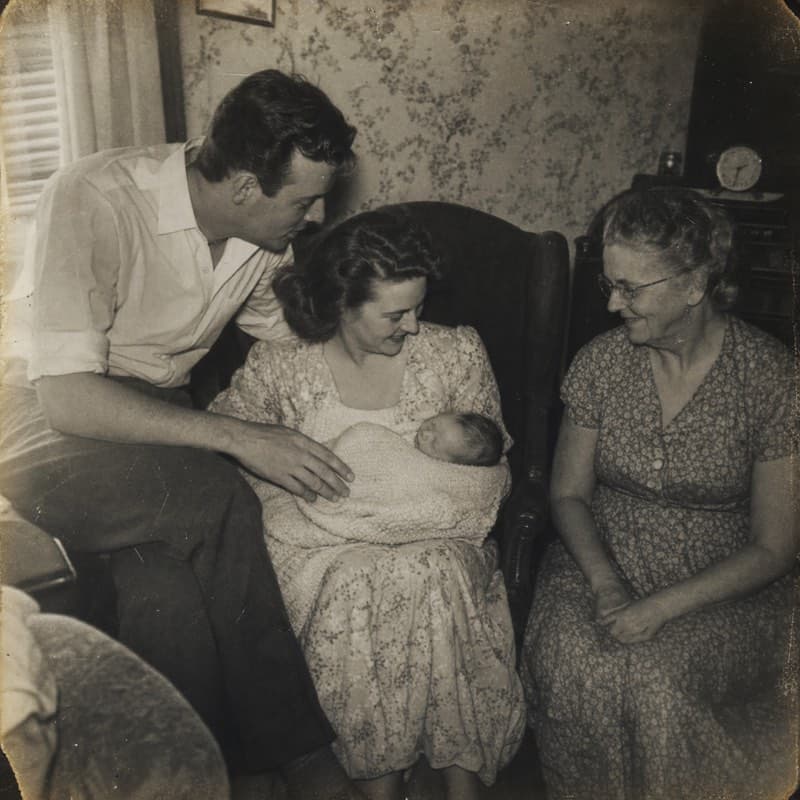
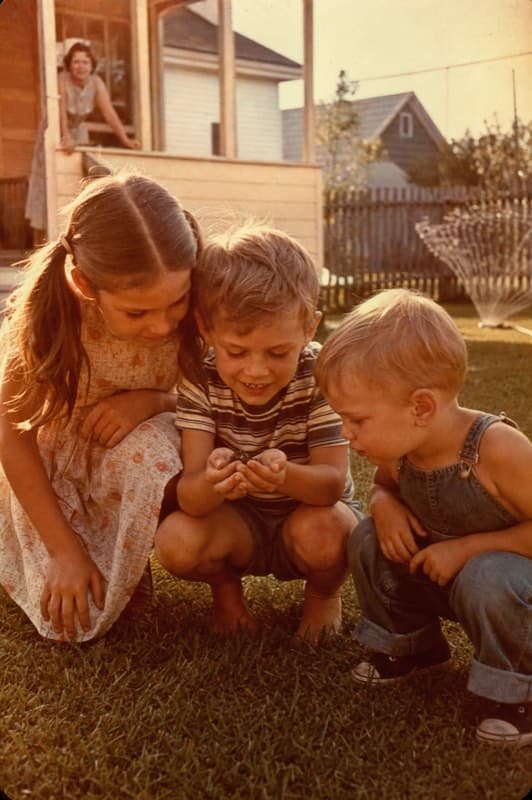
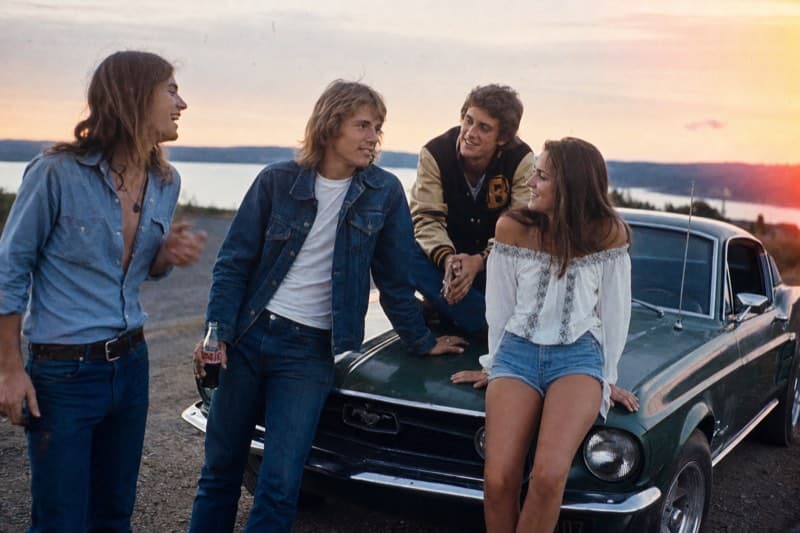
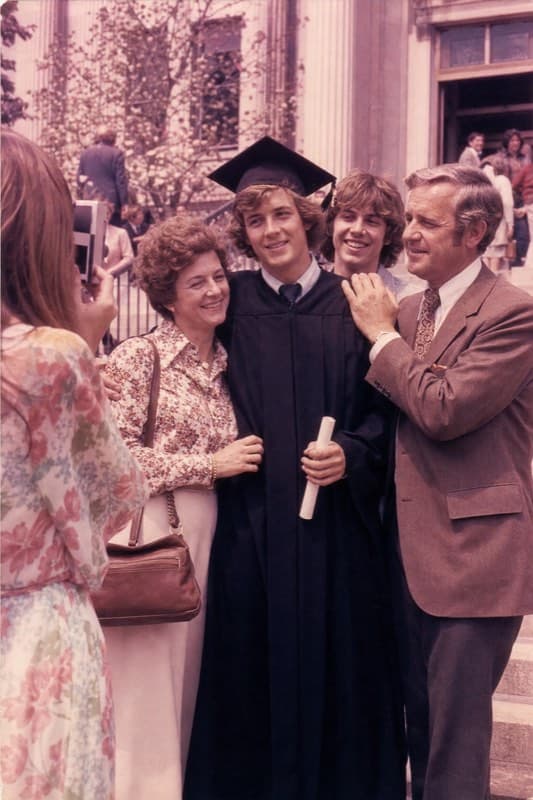

Two quick choices: where will it play, and what feeling should the music have?
On a TV at the community hall. Warm and hopeful. She would want people smiling.
I will create a video sized for the TV, with warm licensed music and readable name/date text.
AT THE GATHERING
Play it in the room, share it beyond.
The finished video should be easy for the venue to test and easy for far-away family to watch. Send the files early and keep a backup copy with you.
TOOL COMPARISON
Glinded vs templates, PowerPoint, and DIY editors.
Canva, PowerPoint, and video editors can all work when someone has time to design the video by hand. Glinded is for families who want a finished celebration of life video without becoming the editor.
Glinded
Best when you want the video composed from real uploaded photos and videos, with chat-based edits, licensed music, and a finished video download.
- Upload photos and videos in any order
- Family and friends can contribute through a private link
- Music details are included with the final file
Template and slideshow editors
Best when someone wants design control and has time to choose layouts, resize photos, set timing, add music, handle music licensing, and export the file themselves.
- Templates can be flexible but require more setup
- Photo order, captions, and timing are usually manual
- You still need to confirm music rights and test with the venue
EXAMPLES
A few finished pieces, recently shared.
Watch a few finished examples, then use the prompt under each one as a starting point for your own celebration of life video.
Ask GlindedCreate a family archive video from old photos and short clips.
Ask GlindedCreate a gentle remembrance video for my mother with soft piano music.
Ask GlindedCreate a warm memorial video for my father using Glinded.
Ask GlindedCreate a life celebration video from family photos with a hopeful tone.
What is a celebration of life video?
A celebration of life video is a short tribute video made from photos, video clips, captions, and music, played at a celebration of life gathering, memorial reception, or shared online. It focuses on how the person lived: their relationships, milestones, humor, and everyday moments.
How is a celebration of life video different from a funeral slideshow?
The form is similar, but the tone and timing usually differ. A funeral slideshow tends to be quieter and plays during a service soon after a death. A celebration of life often happens weeks or months later, and its video is usually warmer and more uplifting, with joyful photos and hopeful music.
How many photos should a celebration of life video have?
Plan about five seconds per photo. A 3 to 5 minute tribute uses 40 to 60 photos, a short 2 to 3 minute video works with 25 to 35, and a looping reception video can hold 70 to 100. Choose meaningful photos first and let pacing set the exact count.
How long should a celebration of life video be?
A tribute everyone watches together works best at about 3 to 5 minutes, which is 40 to 60 photos at roughly five seconds each. A video that loops in the background during a reception can be longer, because nobody is expected to watch every second.
What should the captions in a celebration of life video say?
Less than you might think. Use an opening slide with the name, years, and one line that sets the tone, a few short chapter markers between eras, and a closing slide with a favorite saying or a thank-you. Caption individual photos only when the words add something the photo cannot show.
What music fits a celebration of life video?
Most families choose warm, hopeful, or gently joyful music rather than something somber. Use music you have permission to use, music from a licensed catalog, or a track with clear Creative Commons terms. Glinded suggests licensed options by mood and includes music details with the finished video.
Can I use old, blurry, or damaged photos in a celebration of life video?
Yes. Old scans and faded prints often carry the most meaning. Glinded detects low-quality photos and asks whether you want them restored before they go into the video, so a blurry original does not keep an important memory out.
Can a celebration of life video include funny or everyday photos?
Yes, that is often the point. Photos of jokes, hobbies, road trips, pets, and ordinary days sit naturally next to weddings and milestones in a celebration of life video, because together they show how the person actually lived.
Can family and friends contribute photos?
Yes. Glinded can use a private upload link so relatives and friends can contribute photos and videos directly. That helps one person avoid collecting every file by text, email, or separate folders.
How do I share the video with people who could not attend?
Download the finished MP4 and send it or post it wherever your family gathers online. An MP4 plays on most phones, laptops, and TVs, so relatives far away can watch the same video that played at the gathering.
READY WHEN YOU ARE
Create a celebration of life video
that sounds like them.
Upload the photos and videos you have, describe the person and the feeling you want, and download a finished video to play at the gathering and share beyond it.
REAL PHOTOS AND VIDEOS · LICENSED MUSIC · DOWNLOADABLE VIDEO