
MEMORIAL VIDEO FROM PHOTOS
A memorial video, from your photos.
No video editing skills required
Upload family photos and videos, describe the person in plain language, and Glinded composes a downloadable MP4 with gentle transitions, readable text, and licensed music.
- Music your funeral home can verify
- Your real photos. No AI faces.
- A video you keep
QUICK ANSWER
Can you make a memorial video from photos?
Yes. A memorial video can be made from family photos, optional short video clips, simple captions, and music you have permission to use. Glinded handles the photo order, pacing, transitions, text, music, and final video download inside ChatGPT.
WHY GLINDED
You bring the photos. Glinded does the rest.
Most memorial-video tools ask you to edit: pick a template, drag photos into a timeline, set durations, trim music, and export the file yourself.
Glinded is conversation-first. You describe the person and the tone you want. Glinded handles sequencing, pacing, transitions, text, music, and rendering.
HOW IT WORKS
From photos to video, in one conversation.
- 01
Open Glinded in ChatGPT
Connect once and start in the chat you already use. No editor, no new timeline, no template gallery.
- 02
Upload family photos
Add photos and videos yourself, or share an upload link so relatives can contribute what they have.
- 03
Describe the person and tone
Say who they were, where the video will play, and whether it should feel gentle, heartfelt, or brighter.
- 04
Review and download
Glinded composes a first cut with pacing, text, transitions, and licensed music. Ask for changes in chat.
THE WHOLE FLOW
What it looks like inside chat.
The assistant asks for the few choices that matter, then returns a first cut you can review and revise in plain language.
I want to create a memorial video for Thomas James Boyd.
Add your photos and videos, or share the link with family so they can contribute too.
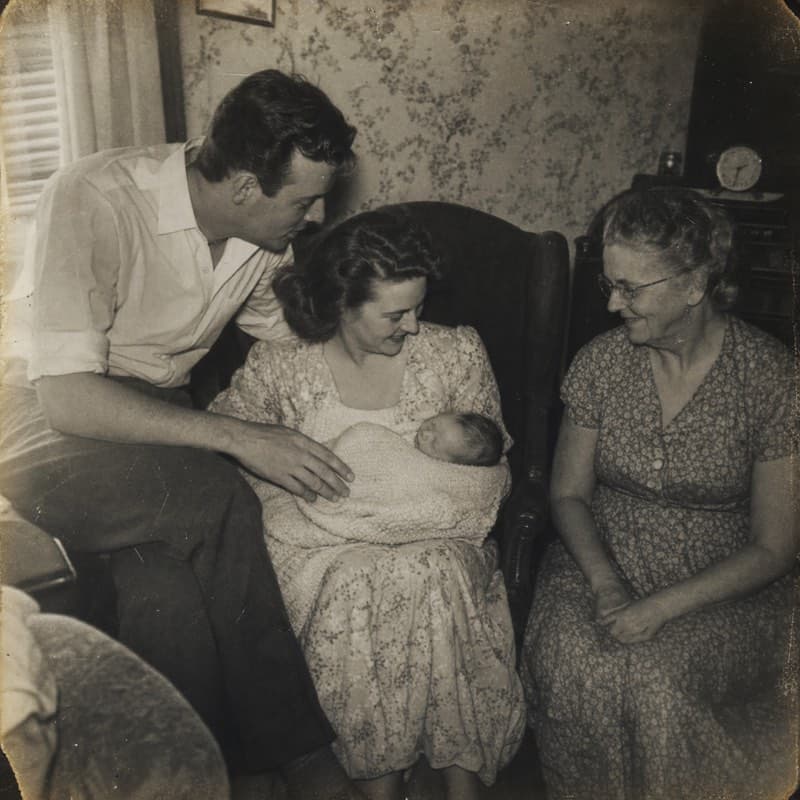
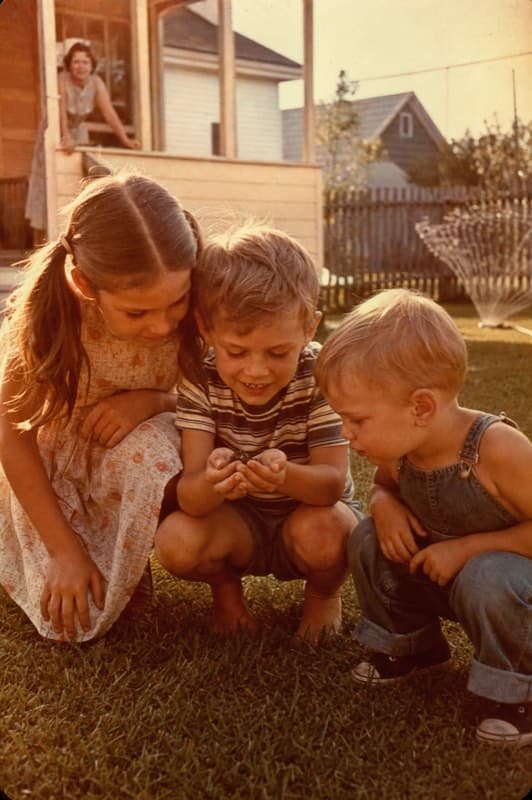
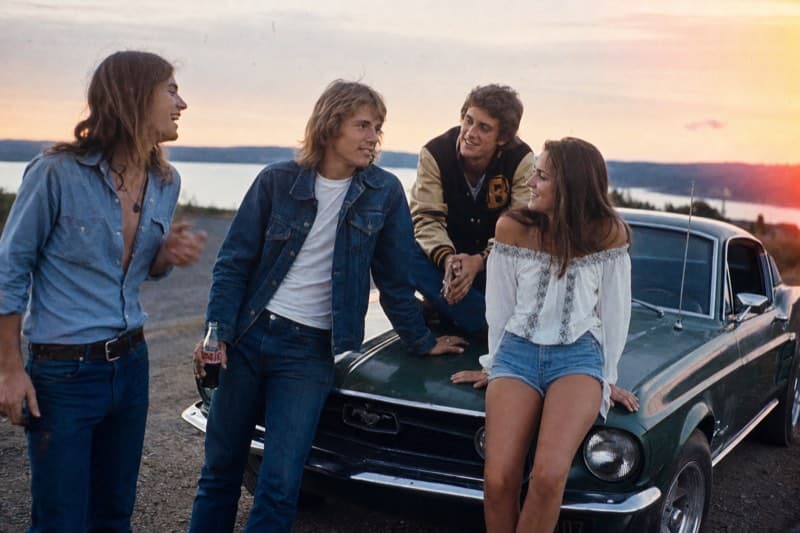
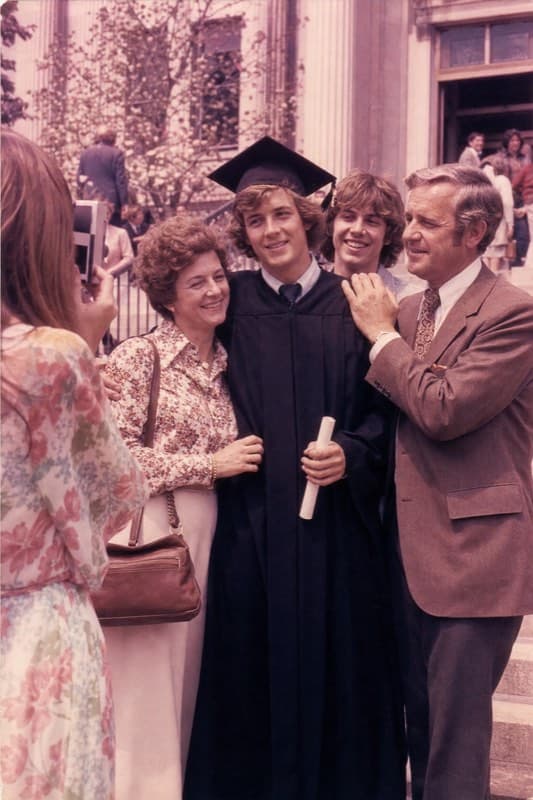
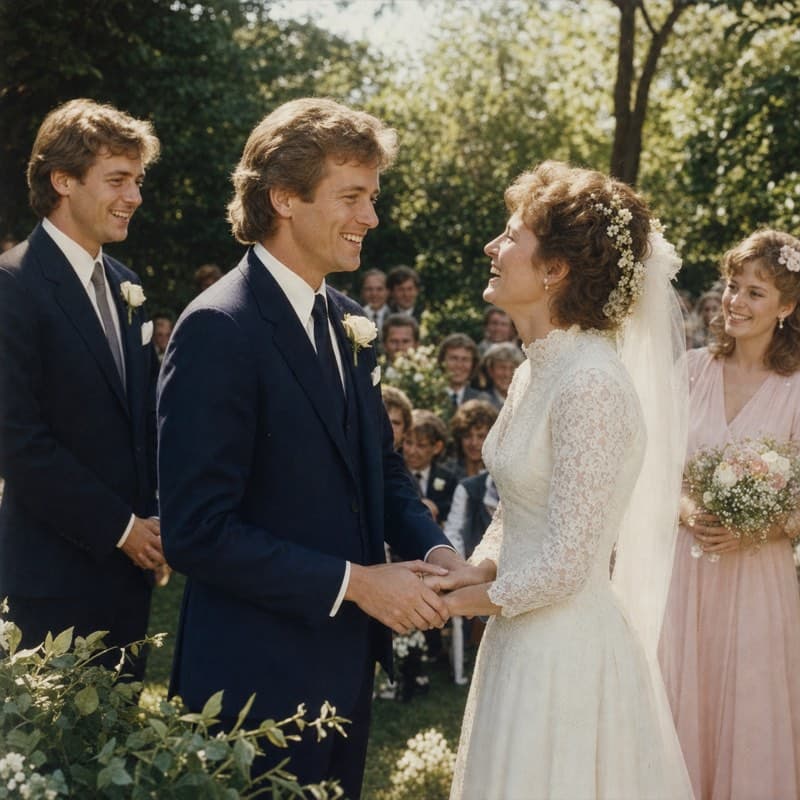
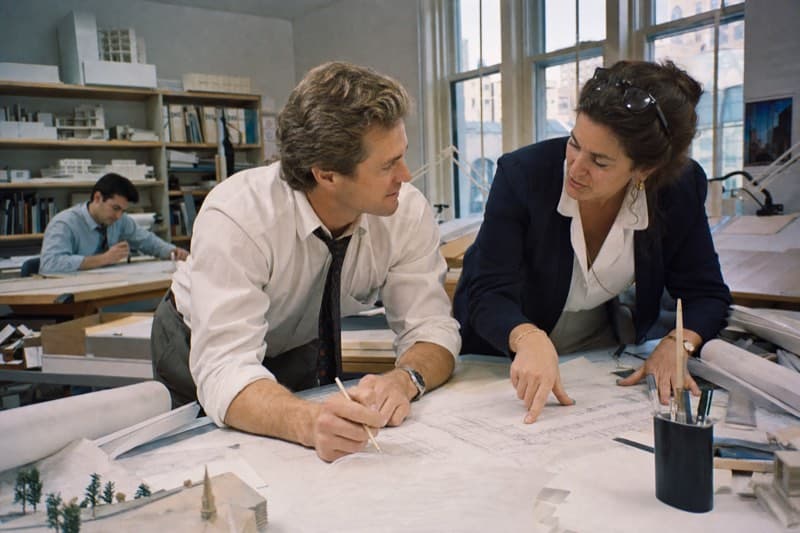
Two quick choices: phone or TV/laptop, and the feel you want.
TV/laptop - gentle remembrance. He was a quiet, steady architect.
Composing a landscape memorial video from 12 assets. Here is the first cut to review.
WHAT EVERY VIDEO INCLUDES
Crafted for the moment, in every detail.
Real uploaded photos
The result is built from your family memories, not AI-generated people or scenes.
Gentle pacing
Soft transitions and timing that match the tone you describe.
Readable text
Names, dates, and captions placed carefully so they do not cover faces.
Music license included
Every video includes license details your funeral home can verify.
COMPARE HONESTLY
How Glinded compares to the usual tools.
There are plenty of ways to make a video from photos. What changes is how much editing work each one leaves to you. This is meant to help you pick, not to rank one above the rest.
| Tool | Best for | Why |
|---|---|---|
| Glinded | Effortless memorial video from photos | Upload photos and get back a finished video with a licensed music track - all inside ChatGPT.No editing skills requiredMusic license included |
| Canva | Easiest DIY memorial slideshow | Has tribute video and slideshow templates, drag-and-drop editing, photos, text, and music support. |
| Animoto | Memorial-specific slideshow | Offers a dedicated memorial video maker for turning photos, clips, and music into a tribute video. |
| Adobe Express | Clean, polished slideshow | Lets you combine photos and video clips with music, templates, and royalty-free assets. |
| Kapwing / VEED | Online editing with more control | Good when you want subtitles, timing control, trimming, or more video-editing features. Test exports before relying on them for a service. |
| PowerPoint / Keynote | Offline, reliable playback | Good for funeral venues because it is easy to export as MP4 and test on the actual computer or projector. |
LICENSED MUSIC
Music ready for the service.
Every Glinded video includes background music and license details the venue can verify before playback.
- Keepsake (free)
- Creative Commons license link, ready to share with the venue.
- Any paid package
- Epidemic Sound commercial license, verified for funeral-home playback.
Do I need to organize the photos first?
No. Upload them as you have them. If you want a specific order, you can tell us - but it's optional.
Is Glinded only for memorials?
No. Glinded also composes celebration videos - milestone birthdays, anniversaries, graduations, farewells. Say the occasion and the tone you want, and the pacing and music are shaped around joy instead of grief.
I don't know what to write. What should I say?
Start with one sentence: "Create a memorial video with these photos and soft music." You can add a name, dates, a tone, or one line of text you want included on screen.
Can I include their name and dates?
Yes. Include it in your sentence: "Memorial video for [Name], [Dates]."
Will it invent details about them?
No. Glinded uses only the photos, videos, and words you provide. It will not generate new people or fictional life details.
Can a funeral home play the video?
Yes. The finished file is a standard MP4, and paid videos include a MUSIC-LICENSE.txt file the venue can verify before playback.
What if I realize I missed a photo?
You can add or swap a photo and regenerate without starting over.
Is this private?
Your photos and videos are used only for generating your tribute and are never shared with third parties or used for training without your explicit consent.
READY WHEN YOU ARE
Their story - well told,
without learning video software.
Open Glinded in ChatGPT, share your photos, and you will have a first cut to review in minutes.
FREE UP TO 5 PHOTOS · STARTING AT $4.99 ONE-TIME