
MADE IN CHATGPT
Birthday slideshow maker.
A birthday slideshow is a short life-story video for a milestone birthday: about 40 to 60 photos, one song, and 3 to 5 minutes, played at the party and shared with everyone who could not come.
Glinded builds one from your real photos inside ChatGPT. Upload photos in any order, collect more through a private upload link without spoiling the surprise, describe the person and the feeling you want, and review a finished video before the party.
- Private upload link for surprise photo collecting
- Upbeat licensed music chosen by mood
- Downloadable video to play and share
QUICK ANSWER
What makes a good birthday slideshow?
A good birthday slideshow tells the story of a life, not just the last few years: childhood, the big chapters, the people who matter, and the everyday photos that sound like them. Most parties use about 40 to 60 photos over 3 to 5 minutes, with one upbeat song.
THE NUMBERS
How many photos, and how long?
Plan about five seconds per photo and let the math set the length. A 3 to 5 minute slideshow everyone watches together beats a 10 minute one people talk over. If you have more photos than that, keep the extras for a longer version that loops on the party TV.
A quick tribute between toasts, when the evening is already packed.
The version everyone watches together, often right before the cake. The length most families land on.
A looping video on the party TV, watched in passing all evening.
CHOOSING PHOTOS
How do you fit sixty years into five minutes?
You will not get it wrong: nobody at the party counts slides, and twenty-five well-chosen photos beat a hundred random ones. Start with one pile per decade.
- 1960sUse every good one
- 1970sPick 6 photos
- 1980sPick 7 photos
- 1990sPick 8 photos
- 2000sPick 8 photos
- 2010sPick 8 photos
- 2020sPick 8 photos
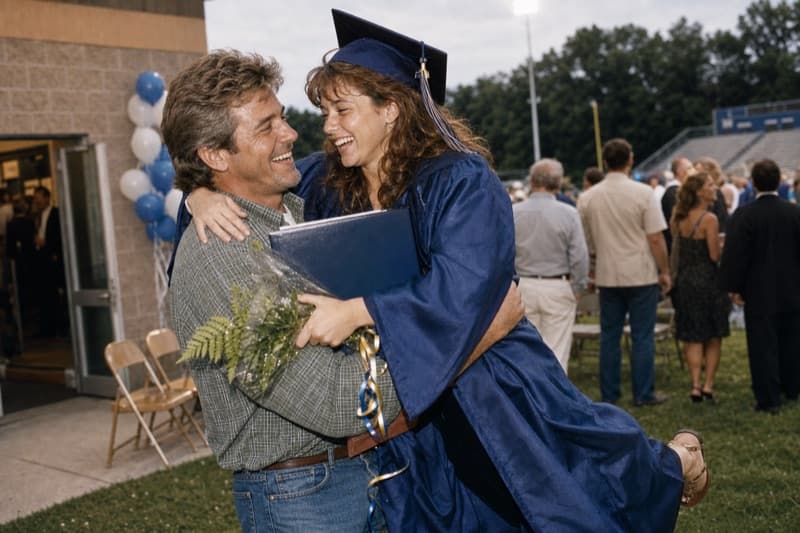
About seven photos per decade is a four minute video, and do not let the last five years crowd out the first fifty.
Then two quick checks: one photo with each person who matters, so the guests can find themselves on the screen, and the ones that sound like them, the mid-laugh shot or the questionable haircut years. The photo nobody has seen beats the photo everyone has framed.
Or skip the sorting entirely: upload the pile and let Glinded compose the first cut. Reacting to a draft, "more of the fishing years, less of the office party," is easier than staring at ten thousand thumbnails. And if a meaningful photo is blurry or faded, Glinded asks whether you want it restored.
PHOTOS FROM THE FAMILY
How do you keep it a surprise?
A milestone slideshow is usually one family member's project, but the photos rarely live in one place. The childhood prints sit in a sibling's drawer, the wedding album at an aunt's house. Two or three helpers cover a whole life.
MUSIC
What music fits a milestone birthday?
One song, chosen for the person, beats a playlist. Most families pick something warm and upbeat and let it carry the whole video. Glinded suggests licensed music by mood, so describe the feeling and pick from what comes back.
One song is enough
A 3 to 5 minute video fits one song naturally. If the video loops at the party, let the song loop with it rather than stitching in a second track. The mid-video handoff is where slideshows stumble.
Their favorite song is a reference
The song they have played for forty years is probably not licensed for a party video. Describe it instead: Glinded suggests licensed music with the same feel, with music details you can keep with the video.
Match the party, not a montage
A party has chatter, clinking glasses, and kids running past the screen. Warm and upbeat cuts through; slow and sentimental gets talked over. Save the tearjerker for the toast.
BEFORE YOU START
What you need before you start.
Start with what you have. Glinded can help with the order, pacing, captions, music, and format after the upload.
Photos and short clips
Use scans, phone photos, albums, and short video clips. The awkward haircut years belong here as much as the milestones.
Name and milestone
Add the name and the birthday if you want them on the opening or closing title of the video.
Photos from the family
Share a private upload link so the relatives who keep the old albums can add photos without a group chat the birthday person might see.
The feeling you want
Tell Glinded whether the video should feel funny, warm, upbeat, or a mix. A milestone birthday can be all of these.
HOW GLINDED WORKS
Make the birthday slideshow step by step.
Glinded runs inside ChatGPT, so the same conversation can guide the upload, ask about the person and the party, create a first cut, and help revise the final video.
Step 1: Open Glinded in ChatGPT
Open the Glinded app and ask for a birthday slideshow in plain language. You do not need to choose a template before you begin.
A simple request is enough. Glinded will guide the upload, ask where the slideshow will play, and help choose the right format.
Create a 65th birthday slideshow for my dad using Glinded. Make it warm and funny, covering his whole life from childhood to now, with upbeat acoustic music.
Step 2: Upload photos and videos
Add the photos and short video clips you have, even if they come from different phones, albums, shoeboxes, or relatives.
They do not need to be chronological. If another family member has part of the photos, share the private upload link so they can contribute files without spoiling the surprise.
Step 3: Describe the person and the party
Glinded can ask for the name, the milestone, where the video will play, whether it should be landscape or portrait, and the feeling you want.
You can also add a favorite place, running joke, or story that should shape the tone. This is where the video starts sounding like them.
Step 4: Review the first cut
Glinded composes the first version with sequencing, timing, transitions, text placement, and music matched to the feeling you described.
It works from the real photos and videos you upload. It does not create new faces or invent life details.
Step 5: Ask for edits in chat
If a photo should move earlier, a caption should change, or the song feels too slow for the room, ask for the adjustment in plain language.
You can also describe a different mood and swap the music. Nothing about the first cut is final until you say so.
Step 6: Download, play, and share
When the final version is ready, download the video from Glinded.com with the matching music details.
Test it on the actual TV or projector before guests arrive. Afterward, share the same video with friends and family who could not be there.
THE WHOLE FLOW
What it looks like inside chat.
Glinded asks for the few decisions that matter, gathers the files, and returns a first cut you can review before the party.
My dad turns 65 next month and I want a slideshow of his whole life for the party.
I can help. Add your photos and videos, or share this private upload link with the family so they can contribute too.
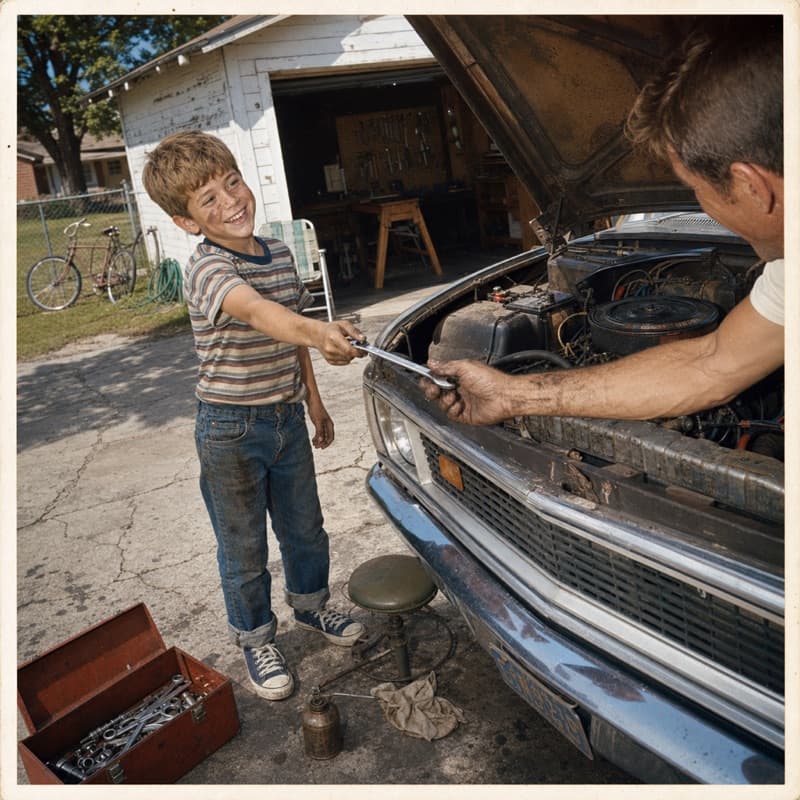
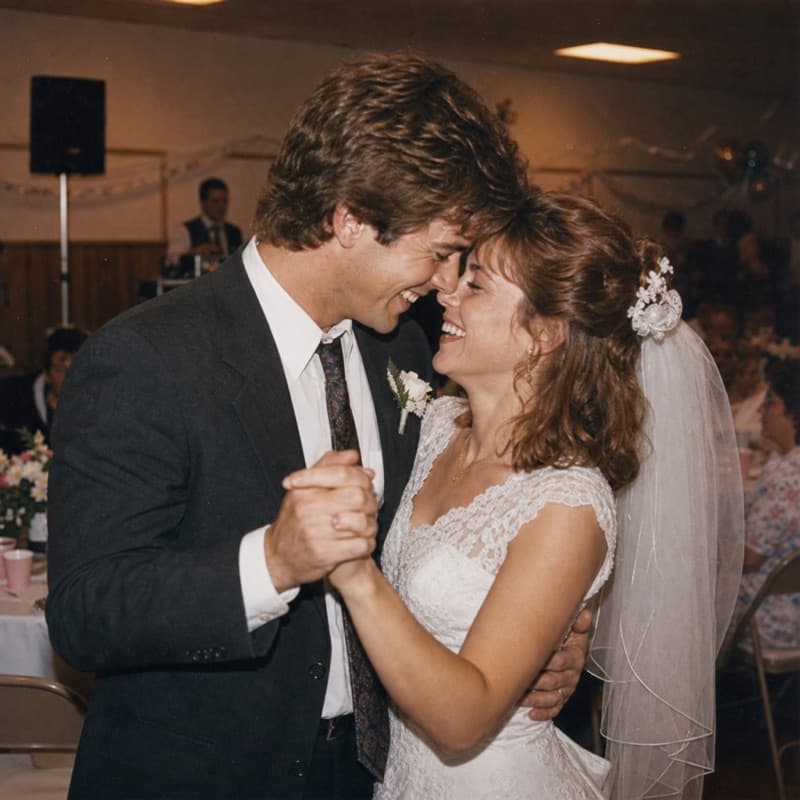
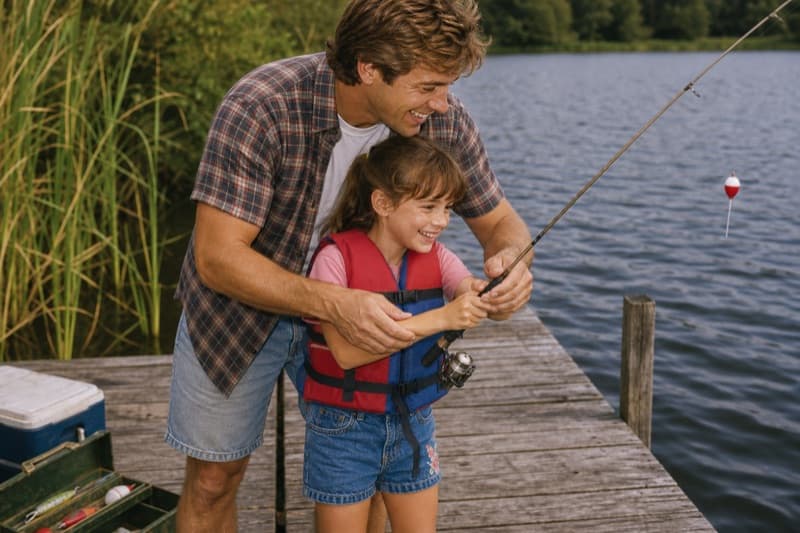
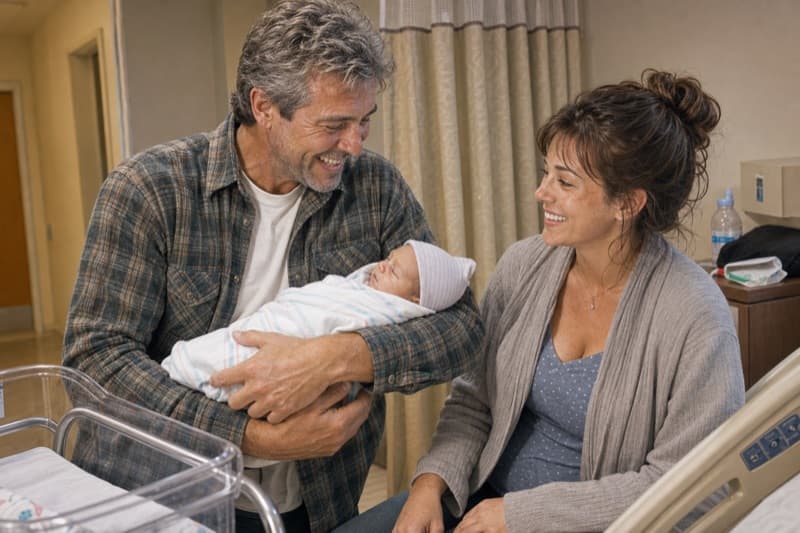
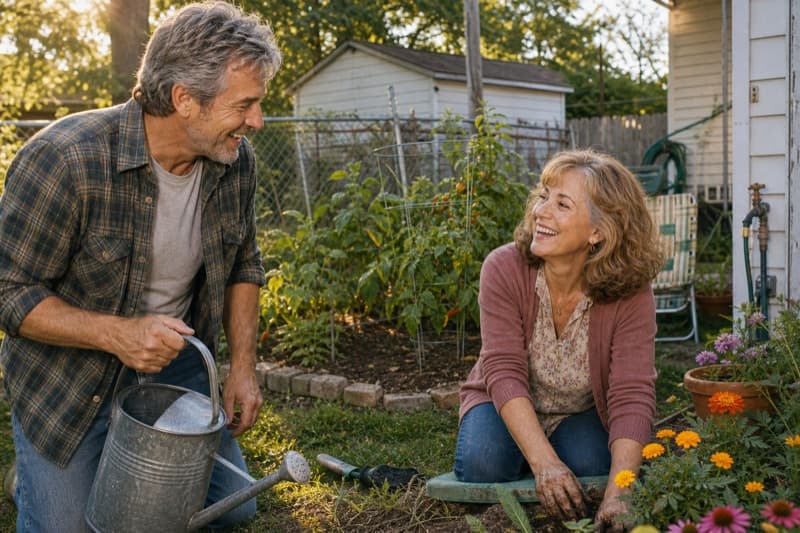
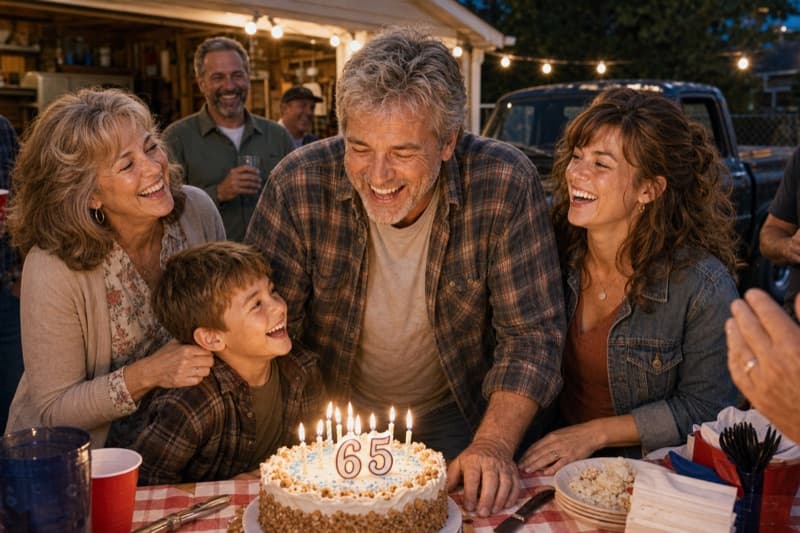
Two quick choices: where will it play, and what feeling should the music have?
On the TV at the party. Upbeat and warm. It should end with the grandkids.
I will create a video sized for the TV, with upbeat licensed music and readable titles, and close on the grandkid photos.
AT THE PARTY
When and where should it play?
Play the watched-together version once, at a moment when everyone is already gathered, usually just before or after the cake. Let a longer version loop on the TV the rest of the evening. A slideshow nobody can hear is a screensaver; the difference is one test run with the sound up.
TOOL COMPARISON
Glinded vs templates, PowerPoint, and DIY editors.
Canva, PowerPoint, and video editors can all work when someone has time to design the slideshow by hand. Glinded is for families who want a finished birthday slideshow without becoming the editor the week of the party.

Glinded
Best when you want the slideshow composed from real uploaded photos and videos, with chat-based edits, licensed music, and a finished video download.
- Upload photos and videos in any order
- Family can contribute through a private link
- Music details are included with the final file
Template and slideshow editors
Best when someone wants design control and has time to choose layouts, resize photos, set timing, add music, handle music licensing, and export the file themselves.
- Templates can be flexible but require more setup
- Photo order, captions, and timing are usually manual
- You still need to confirm music rights before the party
What is a birthday slideshow maker?
A birthday slideshow maker turns photos, short video clips, captions, and music into a video played at a birthday party, often a milestone like a 50th, 60th, or 70th. Glinded is a birthday slideshow maker inside ChatGPT that composes the video from your real photos.
How many photos should a birthday slideshow have?
Plan about five seconds per photo. A 3 to 5 minute birthday slideshow uses 40 to 60 photos, a short 2 to 3 minute version works with 25 to 35, and a looping party video can hold 70 to 100. Choose meaningful photos first and let pacing set the exact count.
How long should a birthday slideshow be?
About 3 to 5 minutes when everyone watches it together at the party. A 3 to 5 minute slideshow everyone watches together beats a 10 minute one people talk over. A version that loops on a TV in the background can run longer, because nobody is expected to watch every second.
Can I use their favorite song in a birthday slideshow?
A favorite commercial song may require permission from the rights holders, even for a private party video. Use it as a reference instead: describe the song or the feeling, and Glinded suggests licensed music with a similar mood, with music details included alongside the finished video.
How do I collect photos from family without spoiling the surprise?
Use a private upload link. Glinded creates one you can send to each helper separately, so a sibling or a grandparent adds their photos and clips directly. Everything lands in one place, and nothing has to pass through a group chat the birthday person might see.
Can I use old scanned or blurry childhood photos?
Yes. A milestone birthday slideshow usually reaches back into print and scan territory, and those photos often carry the most story. Glinded detects low-quality photos and asks whether you want them restored before they go into the video.
Can a birthday slideshow mix photos and video clips?
Yes. Upload photos and short clips together, in any order. Glinded sequences them into one video, and you can ask in plain language to move a clip or a photo somewhere else.
When during the party should the slideshow play?
Pick a moment when everyone is already gathered, usually just before or after the cake or during a toast. Play the short version once for the whole room, and let a longer version loop on the TV for the rest of the party.
How do I share the slideshow with people who could not come?
Download the finished MP4 and send it or post it wherever your family gathers online. An MP4 plays on most phones, laptops, and TVs, so far-away friends and relatives can watch the same video that played at the party.
How much does a birthday slideshow cost with Glinded?
Glinded uses one-time pricing set by how many photos you upload, with a free tier to try it. There is no subscription, and edits and re-renders are free after payment. The pricing page lists the current tiers.
READY WHEN YOU ARE
Create a birthday slideshow
worth the candles.
Upload the photos you have, describe the person and the feeling you want, and download a finished video to play at the party and share with everyone after.
REAL PHOTOS AND VIDEOS · LICENSED MUSIC · DOWNLOADABLE VIDEO