

Ask GlindedCreate a birthday tribute video from family photos, warm and joyful.
SIMPLER WITH GLINDED
How to make a memorial video.
Glinded is an app in ChatGPT for making a memorial video without editing software. Upload the photos and videos you have in any order, add a few details about the person and tone, and Glinded composes a memorial video from photos inside ChatGPT.
Family can contribute through a private upload link, and you can ask for changes in plain language before downloading the final MP4.
- Upload photos and videos in any order
- No editing timeline or template setup
- Ask for changes in plain language
QUICK ANSWER
What is the easiest way to make a memorial video?
The easiest way to make a memorial video is to gather meaningful photos and short clips, choose a calm story order, add simple name/date text, use music you have permission to use, and test the finished video on the device that will play it.
SIMPLER WITH GLINDED
How Glinded makes it easier.
Glinded handles the editing decisions that usually slow the process down: organizing photos, choosing a flow, setting transitions, matching music, and rendering the final file.
No chronological sorting
Upload photos and videos in any order. Glinded can help arrange them into a story.
No editing timeline
Ask for changes in plain language instead of dragging clips around.
No template hunting
Glinded chooses pacing, text placement, and transitions based on the photos and tone.
No music-license guesswork
Finished videos include music details your funeral home can review.
No export settings
The finished video is a downloadable MP4, ready to test and share.
BEFORE YOU START
What you need before you start.
Start with what you have. Glinded can ask for the few details it needs, then help with the order, captions, music, and format.
Family photos
Start with the photos you have. They do not need to be sorted before you upload them.
Optional video clips
Use short clips when they add voice, movement, or a familiar moment. Family can help add files.
Name and dates
Add a full name and dates only if you want them shown in the video.
Optional captions
Share any messages or quotes you want included. Glinded can suggest simple captions too.
Music preferences
Tell Glinded the feeling or favorite song. It can suggest Creative Commons, Epidemic Sound, or similar-feel licensed tracks.
Where it will play
Glinded asks if it will be watched on a TV, laptop, or phone, then creates the right format.
WHY GLINDED
Why Glinded is easier.
A DIY editor can work, but it puts every decision on the family. Glinded is an app in ChatGPT built for the simpler version: upload what you have, describe the person, and let the app help create the video.
Editing by hand
You control every slide, transition, caption, and music cue. That also means sorting the photos, building the timeline, checking music rights, and testing the export yourself.
- Photos usually need to be organized first
- Timing and captions are adjusted slide by slide
- Music licensing and export settings are on you
Glinded
Upload photos and videos in any order, describe the person and tone, and the Glinded app composes a first cut in ChatGPT. You can ask for edits in plain language instead of learning an editing timeline.
- No chronological sorting before you start
- Captions, pacing, and edits happen through conversation
- Downloadable MP4 includes music details for review
See the memorial video from photos guide for the photo-first workflow.
HOW GLINDED WORKS
How Glinded makes the video step by step.
Glinded is an app in ChatGPT, so the conversation guides the upload, asks for the details it needs, creates a first cut, and gives you a finished MP4 to review.
Step 1: Open Glinded in ChatGPT
Open the Glinded app from ChatGPT and ask for a memorial video in plain language. You do not need to pick a template or learn an editing interface before you start.
A simple request is enough. Glinded will guide you to the upload flow, including a private link when you have more photos or want relatives to help. You can add the person's name, dates, tone, and any special notes now or later.
Create a memorial video for my father using Glinded. Please make it warm and respectful, with soft piano music.
Step 2: Upload photos and videos
Add the photos and short video clips you have, even if they come from different phones, scans, folders, or family albums.
They do not need to be in chronological order. If relatives want to help, share the private upload link so they can contribute files too.
Step 3: Answer the follow-up questions
After the first request, Glinded asks only for the details it still needs. That may include the name, dates, where the video will be watched, and whether it should be landscape or portrait.
You can also add any must-include notes, such as a favorite place, family role, short quote, or story you want reflected.
Step 4: Review the first cut
Glinded composes the first version with sequencing, pacing, transitions, text placement, and music matched to the tone you described.
If you want changes, click the photo or text you want to adjust and tell ChatGPT what you want. You can edit a caption, swap a photo, or change a scene entirely.
It works from the real photos and videos you upload. It does not create new faces or invent life details.
Step 5: Change the music if needed
The first cut includes automatically selected licensed music based on the tone you described. If it does not feel right, just ask for a different direction.
For example: "Change the music to a melancholy country song with lyrics." Glinded can search Creative Commons music, the Epidemic Sound catalog, or a licensed track with a similar feel to a favorite song. The licensed music for funeral videos guide explains what a funeral home can review.
Step 6: Download the MP4 video
When the final version is ready, Glinded opens the download page on Glinded.com.
Up to 5 photos is free; larger tributes show the one-time package price before you download, based on how many photos you brought. Every paid package unlocks the larger Epidemic Sound catalog. See pricing for current details.
Download the MP4 video and the MUSIC-LICENSE.txt. The license file gives the venue music details to review. Test the MP4 on the same TV, laptop, or projector before the service.
THE WHOLE FLOW
What it looks like inside chat.
The assistant asks for the few choices that matter, then returns a first cut you can review and revise in plain language.
Glinded in ChatGPT
I want to create a memorial video for Thomas James Boyd.
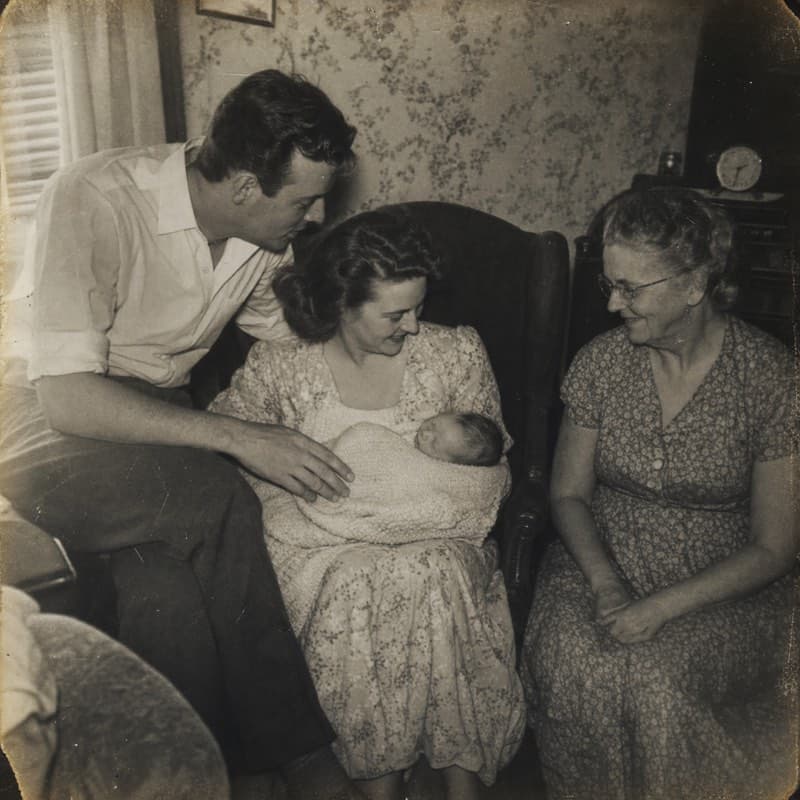
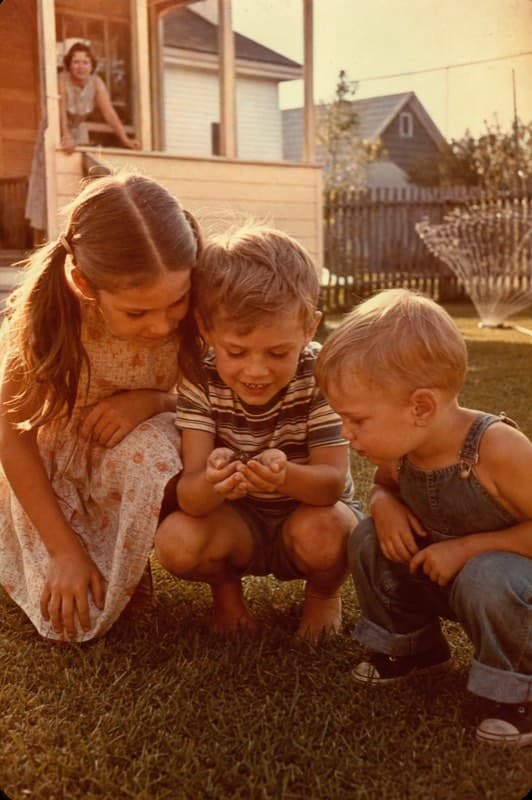
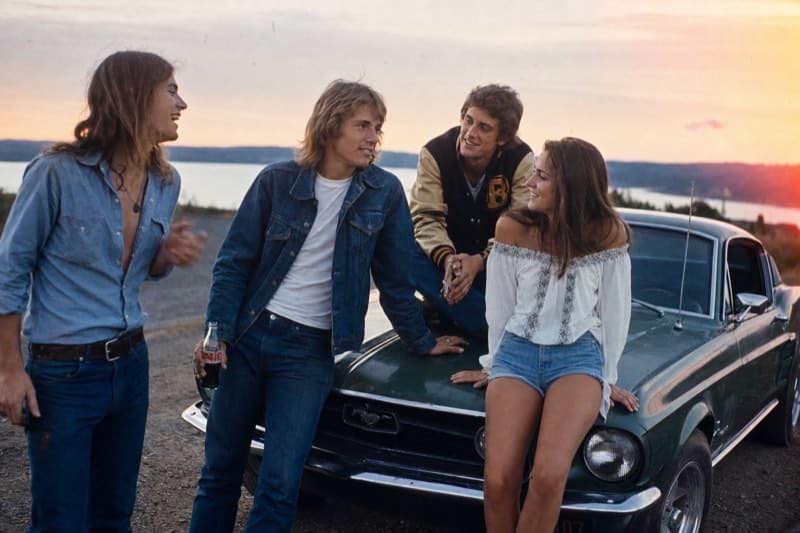
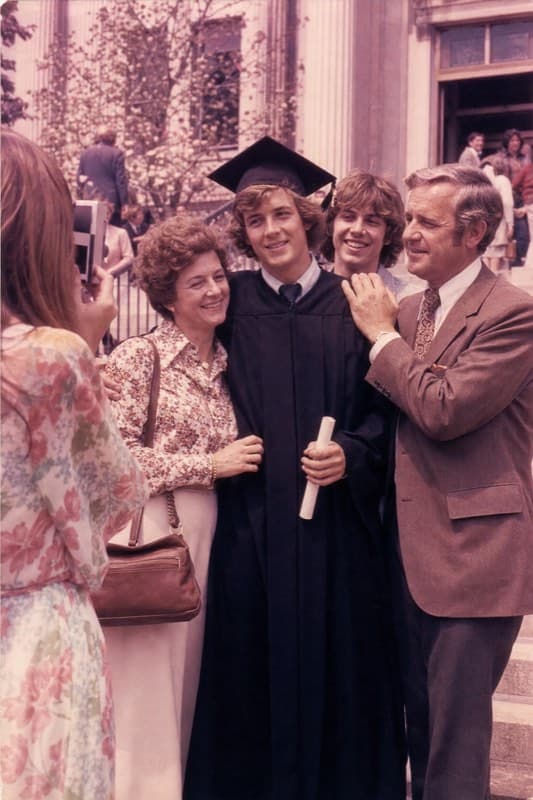
Add your photos and videos, or share the link with family so they can contribute too.
Upload link active12 assets
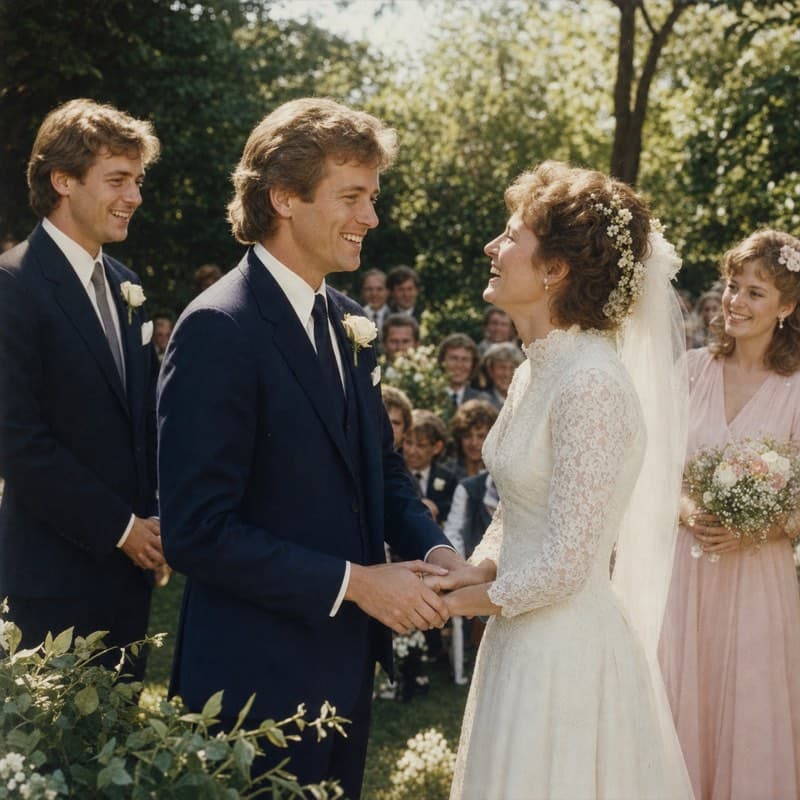
Two quick choices: phone or TV/laptop, and the feel you want.
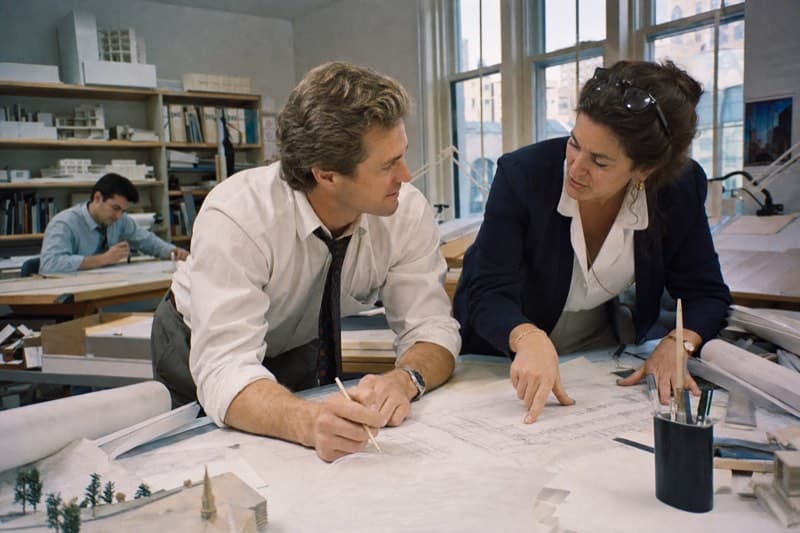
TV/laptop - gentle remembrance. He was a quiet, steady architect.
Composing a landscape memorial video from 12 assets. Here is the first cut to review.
First cut ready00:55 · MP4
EXAMPLES
A few finished pieces, recently shared.
Watch a few finished examples, then use the prompt below each one as a starting point for what to ask Glinded.
Ask GlindedCreate a family archive video from old photos and short clips.
Ask GlindedCreate a gentle remembrance video for my mother with soft piano music.
Ask GlindedCreate a warm memorial video for my father using Glinded.
Ask GlindedCreate a life celebration video from family photos with a hopeful tone.
NO EDITING SOFTWARE
Make a memorial video
without learning video editing.
Glinded is an app in ChatGPT: upload photos, describe the person and tone, and receive a downloadable MP4 without editing software.
FREE UP TO 5 PHOTOS · STARTING AT $4.99 ONE-TIME
What is Glinded?
Glinded is an app in ChatGPT that helps you make a memorial video from photos and short clips. You upload what you have, describe the person and tone, and Glinded composes a downloadable MP4 you can review and revise in plain language.
How many photos do I need for a memorial video?
You can make a short memorial video with 10 to 20 photos, while many funeral slideshow videos use 30 to 80 photos depending on the length. Clear, meaningful photos matter more than having a perfect archive.
How long should a memorial video be?
Many memorial videos are about 3 to 5 minutes for a service, though a shorter video can work for sharing with family. The right length depends on the number of photos, the setting, and how much time the venue has available.
What music can I use in a memorial video?
Use music you have permission to use, music supplied by a licensed catalog, or a track with clear Creative Commons terms. Funeral homes may ask how the music is licensed before playing the video at a service.
Can I make a memorial video without editing software?
Yes. Glinded is an app in ChatGPT where you can upload photos, describe the person and tone, and receive a composed MP4 without editing a timeline yourself.
What file format should I export?
Export an MP4 when possible. MP4 is widely supported by funeral homes, TVs, laptops, phones, and family sharing links, which makes it safer than relying on a project file from an editing app.
Can family members help add photos?
Yes. Families can collect photos in a shared folder or upload flow before the video is made. With Glinded, relatives can contribute photos through a shareable upload link so one person does not have to gather everything alone.