Test playback
Play the MP4 on the TV, laptop, projector, or venue computer before the gathering.
MADE IN CHATGPT
Glinded helps families create a memorial slideshow from real photos and videos for a memorial service, celebration of life, reception, or private family sharing.
Start in ChatGPT, collect uploads with a private family link, review the first cut, and download a finished MP4 from Glinded.com with licensed music details.
QUICK ANSWER
A memorial slideshow should be a playable video made from meaningful photos, optional short clips, simple text, and music you have permission to use. The practical work is collecting files, choosing a calm order, checking the music, and testing the MP4 where it will be watched.
SIMPLER WITH GLINDED
Most memorial slideshow tools start with a blank template or editing timeline. Glinded starts with the files and the practical context: who the slideshow is for, where it will play, how it should feel, and what needs to be handed off.
Describe the memorial slideshow in plain language instead of choosing a template, timeline, or export preset first.
Use the photos and videos the family provides. Glinded does not generate faces, synthetic people, or invented life details.
Upload files in the order you have them. Glinded can organize the first cut around tone, moments, and playback setting.
Choose licensed music by mood, then keep the final MUSIC-LICENSE.txt with the downloadable MP4.
BEFORE YOU START
Start with the materials you can get quickly. The photos do not need to be perfect or sorted before Glinded can help shape the memorial photo slideshow.
Use phone photos, scans, album exports, and short videos. Meaning matters more than perfect resolution.
Add the name and dates if you want an opening title, closing title, or simple text overlay.
Ask Glinded for a private upload link when relatives need to contribute files from different phones or folders.
Tell Glinded whether the slideshow is for a service screen, reception TV, phone, or online family sharing.
Share a few words about the desired feel. Captions, quotes, and short notes are optional.
Give a mood, genre, or favorite-song reference so Glinded can look for licensed music with a similar feel.
HOW GLINDED WORKS
The same ChatGPT conversation can guide file collection, ask the practical questions, compose the first cut, and help revise the slideshow before downloading.
Open the Glinded app in ChatGPT and ask for a memorial slideshow. You do not need to choose a memorial slideshow template before you begin.
A short request is enough. Glinded will guide the upload, ask where the video will be watched, and help shape the first cut.
Create a memorial slideshow for my grandfather using Glinded. Please make it warm and practical for a celebration of life, with soft licensed music.
Add the photos and short clips you have, whether they came from phones, albums, scans, cloud folders, or relatives.
They do not need to be chronological. If others want to help, Glinded can create a private family upload link so they can contribute too.
Glinded asks for details that affect the final video: name, dates, landscape or portrait, the screen or device, and the tone of the music.
You can also mention whether the slideshow is for a memorial service, celebration of life, reception loop, or a family link to share after the gathering.
Glinded composes a first version with sequencing, pacing, transitions, text placement, and music based on the files and tone you described.
It works from real uploaded photos and videos. It does not create new faces, synthetic people, or invented memories.
If a photo should move earlier, a caption should be shorter, or the music does not fit the room, ask for the change in plain language.
You can also click a photo or text element in the preview and tell ChatGPT what should change.
When the slideshow is ready, download the finished MP4 from Glinded.com with the matching MUSIC-LICENSE.txt file.
Test the MP4 on the service screen when possible, then keep the same file for online sharing, a family cloud folder, or a private message thread.
THE WHOLE FLOW
Glinded keeps the work in chat: collect files, confirm the setting, show a preview, and use plain-language edits until the MP4 is ready.
I need a memorial slideshow for a celebration of life and for family to watch online.
I can help. Upload photos and videos here, or share this private upload link with family so they can add files too.
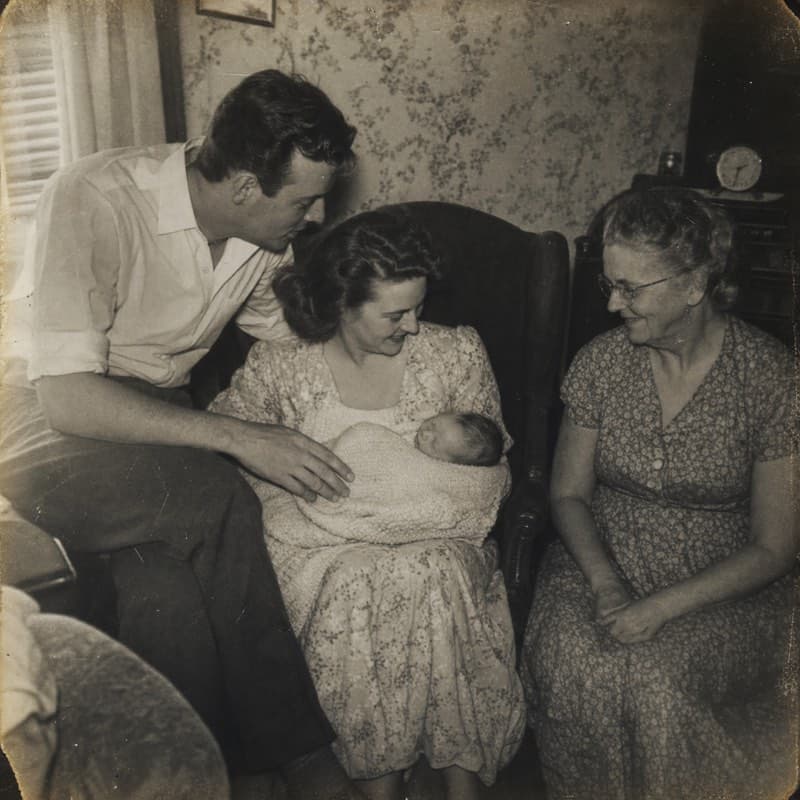
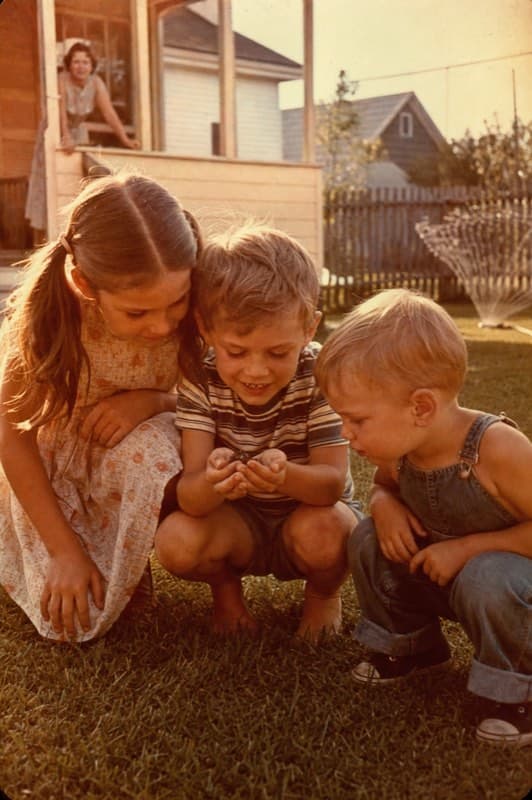
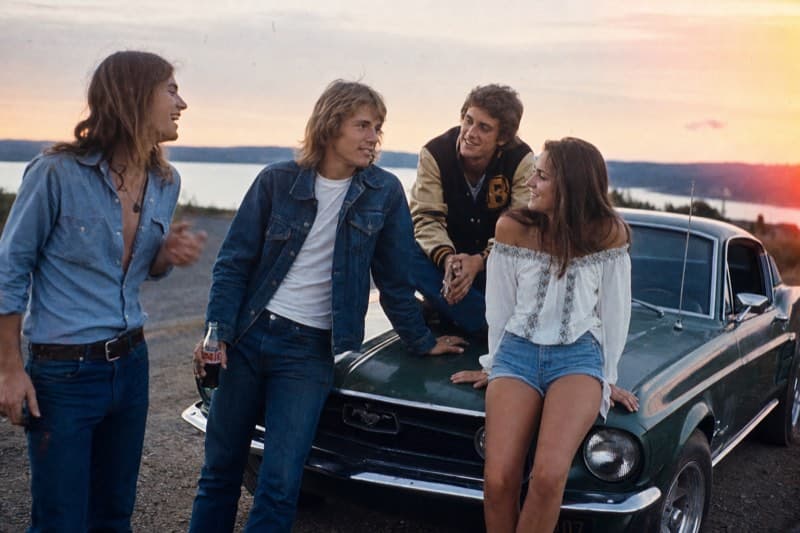
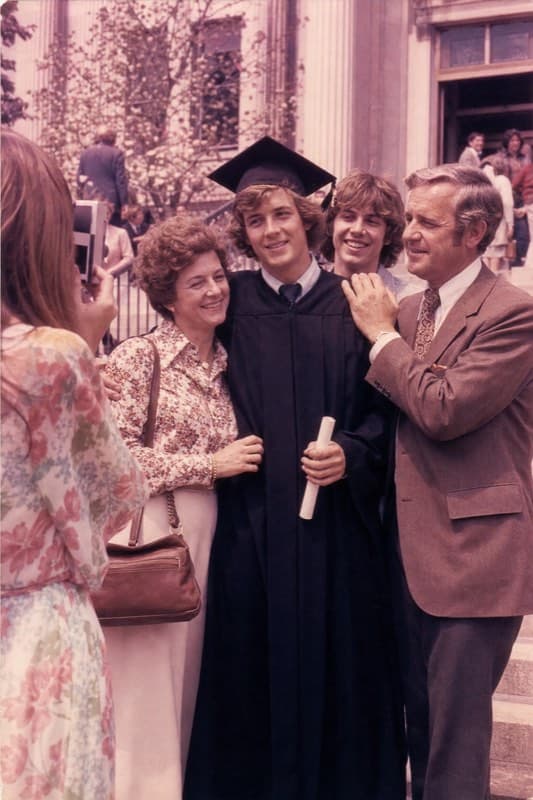
Two quick choices: where will it play, and should the video be landscape or portrait?
Landscape for a reception TV, then we will share the MP4 with family afterward.
I will compose a first cut from these real uploads with readable name/date text, soft licensed music, and an MP4 handoff for playback and sharing.
PLAYBACK AND SHARING
A memorial slideshow is easier to use when the final handoff is simple: one MP4, one music-license file, and a short playback check before the service or family share.
Download the finished video from Glinded.com and use the same file for the venue, reception screen, family cloud folder, or private message thread.
Three quick checks keep the handoff simple.
Play the MP4 on the TV, laptop, projector, or venue computer before the gathering.
Save a second copy on a phone, laptop, USB drive, or family cloud folder.
Use the same MP4 or family download link when sharing after the gathering.
EXAMPLES
Watch a few finished examples, then use the prompt under each one as a starting point for a memorial slideshow or celebration of life video.
Ask GlindedCreate a birthday tribute video from family photos, warm and joyful.
Ask GlindedCreate a family archive video from old photos and short clips.
Ask GlindedCreate a gentle remembrance video for my mother with soft piano music.
Ask GlindedCreate a warm memorial video for my father using Glinded.
Ask GlindedCreate a life celebration video from family photos with a hopeful tone.
A memorial slideshow maker turns family photos, short video clips, captions, and music into a video that can be played at a memorial service, celebration of life, reception, or shared privately with family afterward.
Yes. With Glinded installed in ChatGPT, you can ask for a memorial slideshow, upload real photos and videos, review a first cut, request edits in plain language, and download the finished MP4 from Glinded.com.
Glinded is not a fixed memorial slideshow template. It composes a slideshow from the real photos and videos you upload, then lets you revise the order, captions, pacing, format, and music in chat.
No. Photos and videos do not need to be sorted before uploading. Glinded can organize the first cut, and you can ask for changes if a specific photo should move earlier or later.
Yes. Glinded can create a private family upload link so relatives can contribute photos and videos from their own devices without one person collecting every file manually.
Use music you have permission to use, a track from a licensed catalog, or music with clear Creative Commons terms. Glinded can choose licensed music by mood and includes MUSIC-LICENSE.txt with the finished download.
Yes. The finished video is a downloadable MP4, so it can be shared in a family cloud folder, message thread, or private online memorial page after you download it from Glinded.com.
No. Glinded composes the real uploaded photos and videos. It does not generate synthetic people, create new faces, or invent life details that were not provided by the family.
START IN CHATGPT
Upload photos and videos in any order, review the first cut in ChatGPT, and download a finished MP4 with licensed music details from Glinded.com.
REAL PHOTOS AND VIDEOS · LICENSED MUSIC · DOWNLOADABLE MP4